App collection

QR & Barcode Tools

Explore Android tools for scanning and creating QR codes and working with supported barcode formats. These apps help users scan information, generate QR content and use QR codes alongside other mobile workflows.

FocusTag feature graphic

Focus & Productivity

FocusTag

FocusTag is an Android app blocker and focus tool that helps reduce digital distractions during study, work, reading and deep-focus sessions. Create reusable focus plans, choose the apps you want to block, set session duration and blocking behavior, and use NFC or QR tags as part of your focus routine. Built-in insights help you review focus time, completed sessions, streaks and blocked app attempts.

Explore app
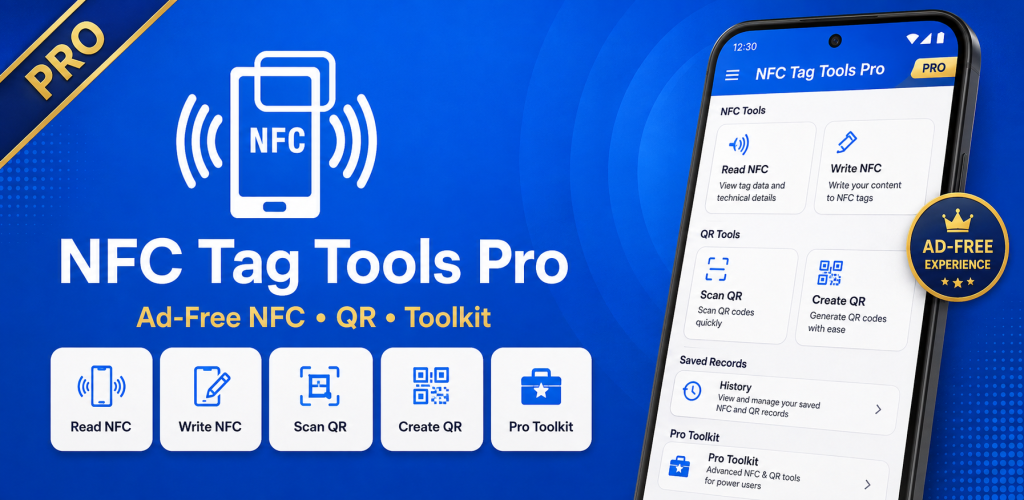
NFC Tag Tools Pro feature graphic

NFC Tools

NFC Tag Tools Pro

NFC Tag Tools Pro is the Pro edition of the NFC Tag Tools family for Android. It provides a complete set of tools for reading, writing and managing compatible NFC tags, creating multi-record NFC content, saving reusable profiles and working with QR codes. It is designed for users who regularly work with NFC tags and want the dedicated Pro edition of the app.

Downloads
100+ downloads
Explore app
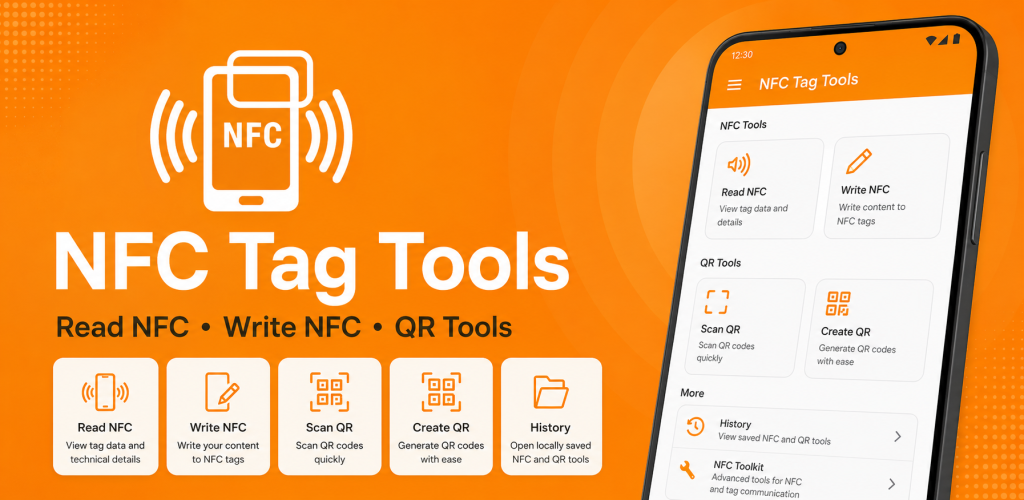
NFC Tag Tools: Reader & Writer feature graphic

NFC Tools

NFC Tag Tools: Reader & Writer

NFC Tag Tools is an Android NFC reader, writer and automation utility for working with compatible NFC tags. Read and edit multi-record NDEF content, copy supported tag data, save reusable profiles, inspect and manage compatible NTAG tags, and create Task Profiles with Smart Actions and conditions. You can run automation tasks directly or write them to compatible NFC tags, while built-in QR tools let you scan, generate and customize QR codes.

Rating
4.5(65)
Downloads
50K+ downloads
Explore app
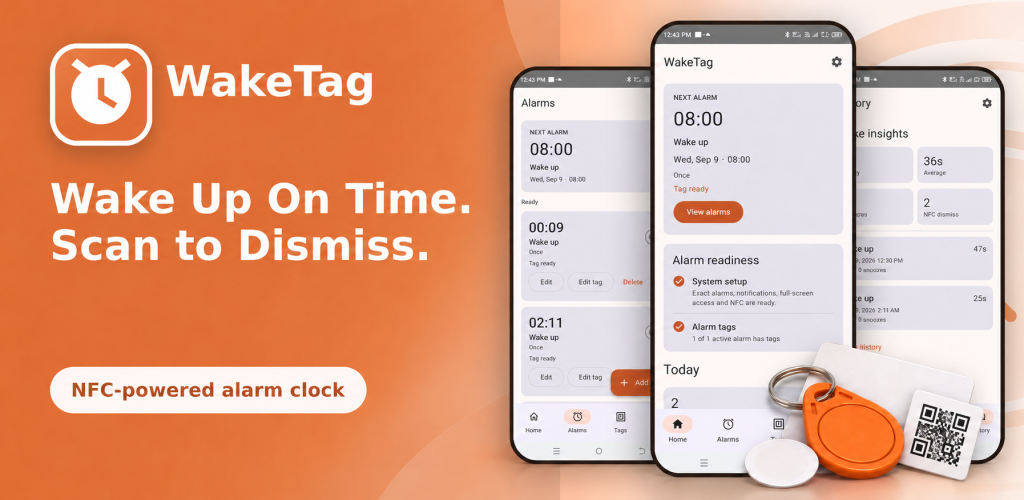
WakeTag feature graphic

Alarm & Wake-Up

WakeTag

WakeTag is an Android alarm clock designed to make alarm dismissal more intentional. Create wake-up alarms and assign a compatible NFC tag or QR code that must be scanned as part of the dismissal workflow. Place the tag away from your bed, manage multiple alarms, check alarm readiness and review wake-up history and response times from one app.

Explore app